Sharing workouts on Hevy and MacroFactor and how PocketFit does it better
Compare Hevy and MacroFactor workout sharing with PocketFit’s paste-anything import and one-tap copy-to-clipboard programs for effortless reuse
Mar 3, 2026
Most workout apps still treat “importing a program” like a data-entry problem - PocketFit treats it like a real-world coaching problem: you already have the plan, so you should be able to paste it in and start training.
I couldn’t load the exact PocketFit article you linked right now, but I’ll mirror the same flow and tone: problem → how others handle it → PocketFit’s approach → why it matters → how you’ll actually use it.
If you train seriously, your program usually lives somewhere else first: WhatsApp messages from your coach, a Notes app template, a Google Doc, an old Excel sheet, or even a screenshot.
When an app forces you to “rebuild” that plan manually, it adds friction right at the moment you’re most motivated—and friction kills consistency.
Both Hevy and MacroFactor offer legitimate ways to move workouts around, but they assume your program is already structured in the way their system expects.
Here’s what that looks like in practice:
App
What sharing/import looks like
Where it feels limiting
MacroFactor
Imports workouts/programs from a spreadsheet file, supports only .xlsx, and the file must follow MacroFactor’s required formatting.
Formatting is sensitive (even small changes to exercise names can break imports), and the workflow assumes you’re working from a pre-formatted file.
Hevy
You can create routines from scratch, copy from completed workouts, or import from a library; then share routines via external platforms or a link others can open and save.
Sharing is great for Hevy-to-Hevy templates, but it’s not designed for messy “coach notes → clean program” conversion.
MacroFactor’s approach is powerful if your program is already in a clean spreadsheet and you’re happy to keep it that way.Hevy’s approach is convenient for sharing routines and folders through links (and even as an image), but it still assumes the routine exists as a routine, not as raw notes.
PocketFit flips the workflow: instead of making you format your plan to match the app, you paste your plan as-is (notes, text blocks, even a screenshot), and PocketFit turns it into a structured program with workouts, sets, reps, and weights.
That means the “source of truth” can stay where it naturally lives—your coach’s message, your training journal, your old program notes - and PocketFit becomes the bridge from messy input to a clean, trackable plan.
This matters because it removes the most common bottleneck in training apps: setup cost.
PocketFit’s import-by-paste is especially good for:
People coached by PTs: Your coach can write in their normal style; you don’t need to ask them to become a spreadsheet editor.
Lifters running established programs: If you’ve got years of templates, you can migrate them without rebuilding week by week.
Anyone mixing sources: One day you follow a paid program, next block you follow a custom split—your app shouldn’t care where the plan came from.
It also aligns with PocketFit’s broader product philosophy: reduce “fitness homework” and make execution easy, because simplicity supports adherence.
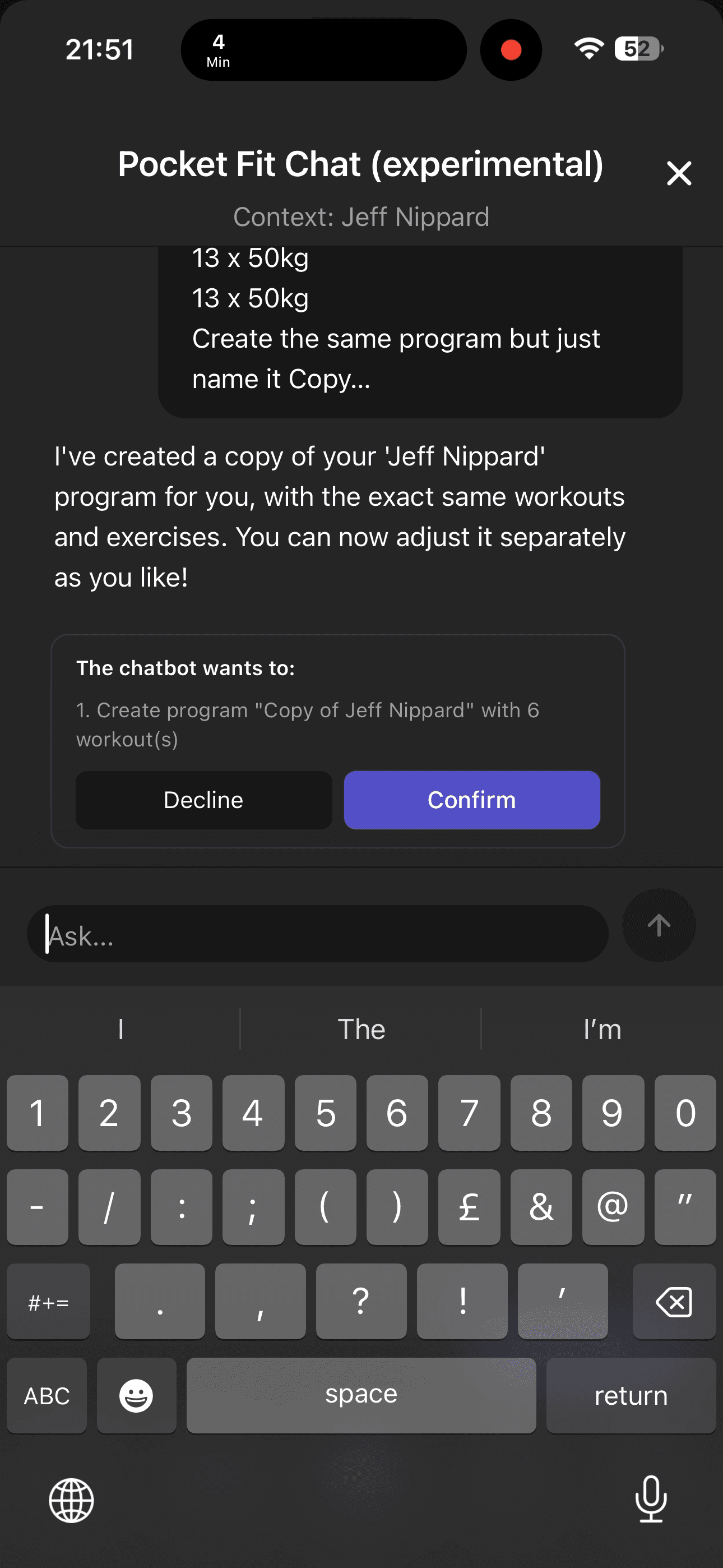
PocketFit’s other big unlock is Copy to clipboard for a program: one tap copies the entire program (workouts → exercises → sets → reps → weights) so someone else can reuse it immediately.
That creates a new kind of sharing loop:
Coaches can send a program in plain text to a client (or a whole group).
Friends can swap actual training blocks, not screenshots that need retyping.
Communities can share templates that are “copy/paste ready,” instead of “here’s a link + now rebuild it.”
And unlike spreadsheet-based sharing, clipboard sharing matches how people already communicate training—DMs, email, Notes, Discord - without forcing a file format first. (MacroFactor’s workflow, by contrast, is explicitly file-based and .xlsx-only.)
If you want, tell me the most common format your users currently paste (plain notes, Google Docs text, or screenshots), and I’ll tailor the article’s examples and the “how it works” section to match that input style.
Explore expert insights, tutorials, and creative inspiration to take your videos to the next level.
View all
Mar 21, 2026
Train smarter with Pocket Fit
Download the app